
WPS Office 2019 is an office software suite that offers the most commonly used features for word processing, spreadsheets, and presentations, with the addition of new functionalities such as flowcharts, mind mapping, and showtime. This suite is designed to be lightweight, with low memory consumption and fast performance. WPS Office 2019 boasts a powerful plugin platform, provides free online storage space and document templates, and supports reading and exporting PDF files, while being fully compatible with Microsoft Office formats from 97 to 2013.
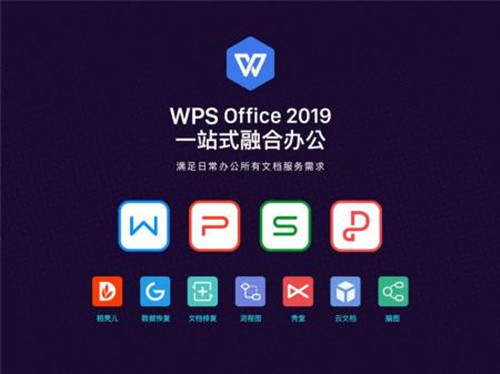
Component Integration: Quick Document Access
All documents are consolidated into a single window, eliminating the need to search for the corresponding component and switch between document tabs. This allows for faster access to various documents.
One WPS Account, Anywhere Access
With one WPS account, you can access your work environment on any device, anytime, and retrieve data from your cloud documents instantly.
Comprehensive PDF Support: Faster Reading
WPS Office 2019 offers full support for PDF documents, enabling quicker and more convenient reading. PDF files can be converted with a single click.
Draggable Tabs for Efficient Management
No need to worry about too many documents; switch quickly between tabs and simply drag and drop them into different windows to organize your tasks effectively.
Customizable Interface: Personalized WPS
Customize your interface with your preferred font and window background to create a comfortable and refreshing workspace.
Software Features

1. Integrated Web Browser
The personal edition of WPS Office 2019 includes a simple web browser. When users click on links within documents, the integrated browser will open the content by default. This browser has basic functionalities, including forward and back buttons, an address bar, download tools, and the ability to add web pages to the WPS homepage or save them as PDF files.
2. Changed Shortcuts
After installation, the previous WPS desktop suite (WPS Writer, WPS Spreadsheet, WPS Presentation) along with the WPS HS shortcut have been consolidated into WPS 2019. This is the new feature of the updated WPS—integration.
3. Rich Template Data
WPS Office 2019's Rakooh Mall provides a wealth of template resources, including samples, images, and other materials. Templates for common applications like resumes, summary plans, and contracts are available, allowing you to focus on other tasks with ease.
Installation Steps
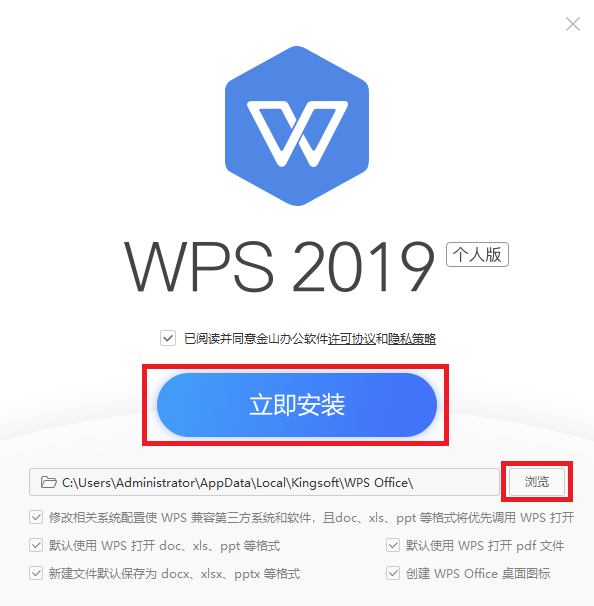
Download the installation package from this site, double-click to run, and begin the installation process.
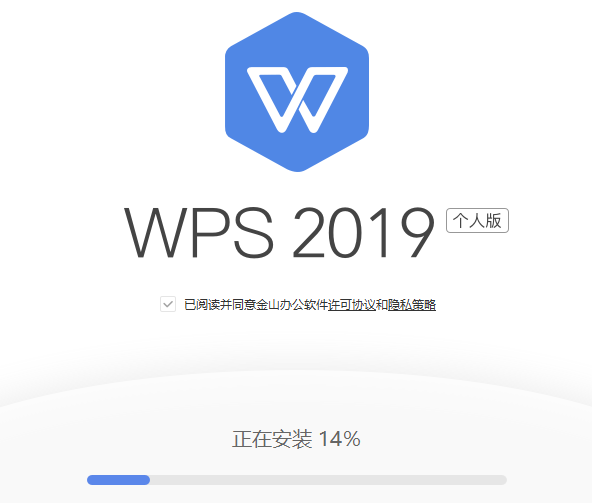
Wait patiently as the installation proceeds automatically.
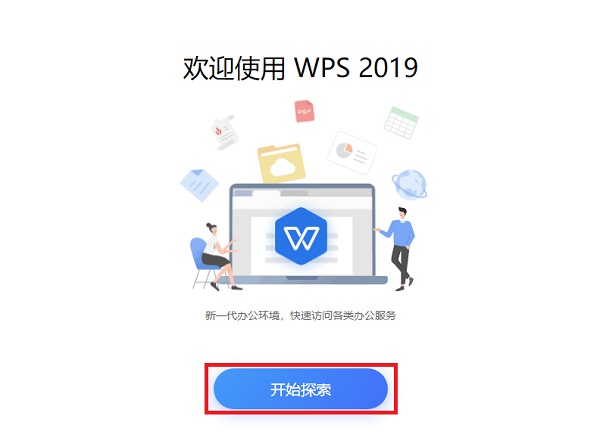
Installation complete! Start your experience now.


 金字塔决策交易系统64位
 浩辰CAD机械标准版
 帮大家PDF超能助手
 E8财务管理软件增强版
 E8财务管理软件专业版
 证书助手-统计局专版
 冬瓜配音
冬瓜配音
 浩辰CAD建筑
 2K公布免费第三人称英雄射击游戏《Ethos计划》
 考试啦,《葫芦娃2》带来原动画细节小考卷(4)
 王国两位君主北欧之地隐士有什么用
 我的世界种子怎么种植方法
 崩坏学园2怎么注销崩坏怎么注销账号
 不止《生化危机》外媒精选30款恐怖佳作
 王国两位君主北欧之地雷神之锤解锁顺序
 梦幻西游梦玲珑穿什么
 功夫熊猫阿宝邀你切磋,《蛋仔派对》联动KouKouLove第二弹开启
 终结之王SF《街头篮球》提升胜率之失误控制