Microsoft Office PowerPoint 2007, commonly abbreviated as PPT 2007, is a presentation software developed by Microsoft, serving as a key component of their suite of office applications. This software facilitates the seamless explanation of various subjects through illustrative examples, making it a versatile tool for presentations, teaching, and product demonstrations.
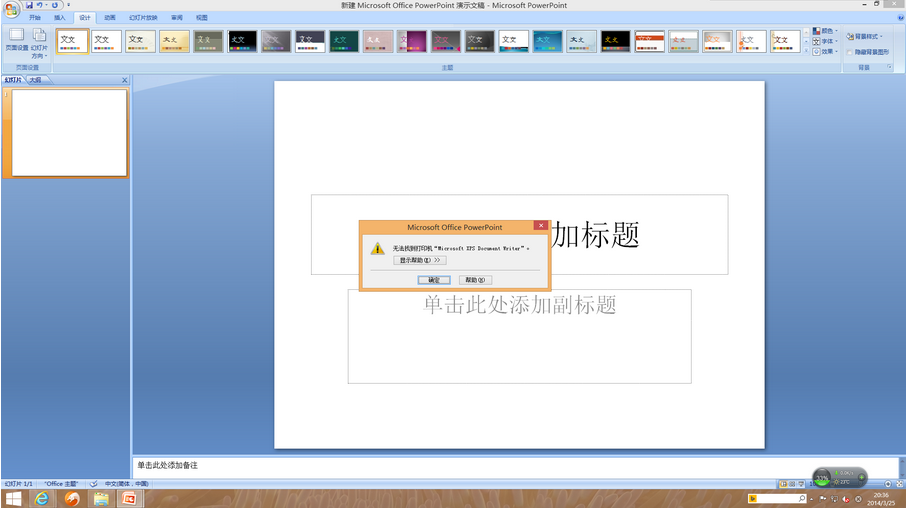
1. Achieve Better Results with a Redesigned User Interface
Office PowerPoint 2007 features a newly designed user interface that simplifies the creation, presentation, and sharing of slideshows. The enhanced workspace centralizes rich features and functionalities, minimizing distractions and allowing users to quickly achieve their desired outcomes.
2. Create Robust and Dynamic SmartArt Graphics
With Office PowerPoint 2007, users can effortlessly create professional and dynamic relationship, workflow, or hierarchy diagrams. The ability to convert bullet lists into graphics or modify existing diagrams is enhanced with context-sensitive SmartArt tools that offer a variety of formatting options.
3. Efficiently Reuse Content with the PowerPoint Slide Library
Office PowerPoint 2007 introduces a slide library that allows the storage of individual slides on Microsoft Office SharePoint Server 2007-supported sites. This feature facilitates content sharing among team members, enabling easy reuse of materials and reducing the time required to create presentations. Moreover, all inserted slides remain synchronized with the server version, ensuring content is always up-to-date.
4. Communicate Across Different Platforms and Devices
By converting files to XML Paper Specification (XPS) and Portable Document Format (PDF), Office PowerPoint 2007 ensures compatibility for sharing presentations with users on any platform, thereby promoting widespread communication.
5. Create Presentations Faster with Custom Layouts
In Office PowerPoint 2007, users can define and save custom slide layouts, eliminating the need for cut-and-paste operations or content removal. The PowerPoint Slide Library enables easy sharing of these custom layouts, maintaining a consistent and professional look across presentations.
Software Features
New File Formats
Office 2007 introduces XML-based file formats, making PowerPoint XML files smaller, more reliable, and requiring less storage and bandwidth.
User Interface Changes
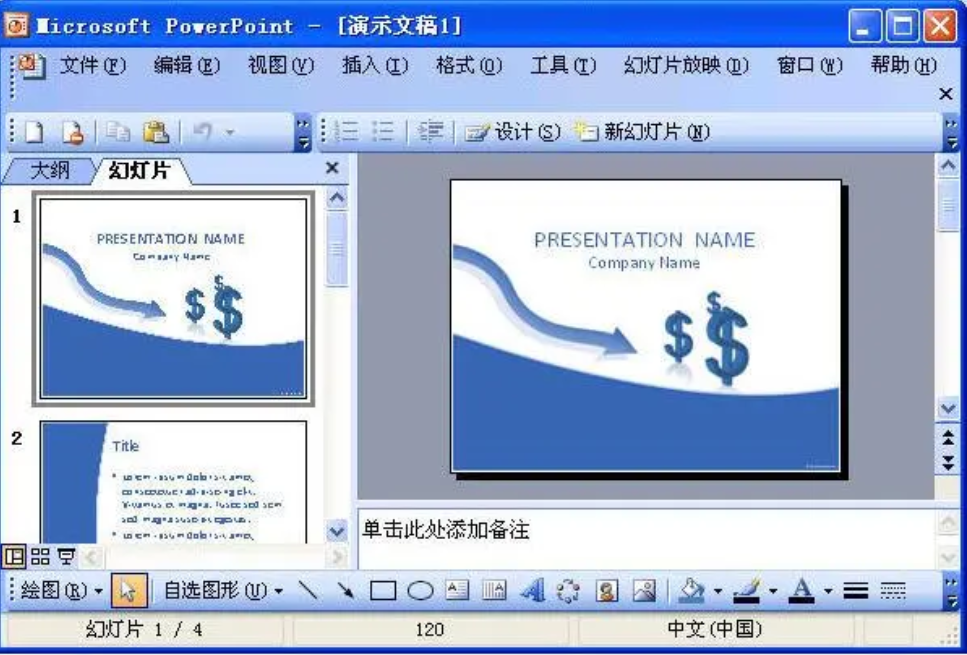
Office 2007 introduces the Office Fluent user interface, replacing traditional menus and toolbars with the Ribbon. The Ribbon features intuitive tabs and groups with relevant functions and commands, and the Office Button in the top-left corner replaces the old "File" menu with essential file management commands.
Enhanced Presentation Features
PowerPoint 2007 offers themes, layouts, and quick styles for easy formatting options. Users no longer need to select separate color and style options for tables, charts, and graphics. Themes simplify the creation process, automatically updating backgrounds, text, and visuals to match the selected theme. Custom slide layouts allow for the addition of any number of elements, freeing users from reliance on pre-packaged layouts.
Installation Steps
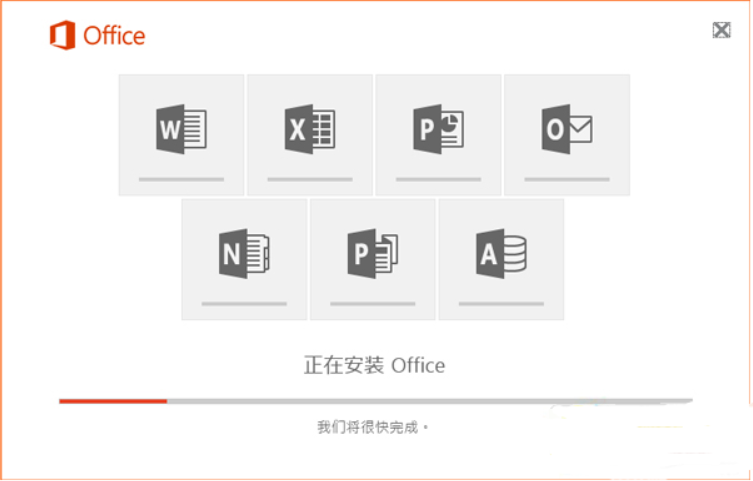
1. After downloading the installation package from our site, double-click to open it.
2. Follow the prompts to complete the installation, and upon success, the software will be ready for use.


 金字塔决策交易系统64位
 浩辰CAD机械标准版
 帮大家PDF超能助手
 E8财务管理软件增强版
 E8财务管理软件专业版
 证书助手-统计局专版
 冬瓜配音
冬瓜配音
 浩辰CAD建筑
 2K公布免费第三人称英雄射击游戏《Ethos计划》
 考试啦,《葫芦娃2》带来原动画细节小考卷(4)
 王国两位君主北欧之地隐士有什么用
 我的世界种子怎么种植方法
 崩坏学园2怎么注销崩坏怎么注销账号
 不止《生化危机》外媒精选30款恐怖佳作
 王国两位君主北欧之地雷神之锤解锁顺序
 梦幻西游梦玲珑穿什么
 功夫熊猫阿宝邀你切磋,《蛋仔派对》联动KouKouLove第二弹开启
 终结之王SF《街头篮球》提升胜率之失误控制