
Firefox employs the open-source web layout engine, Gecko, which ensures web content is displayed as closely to web standards as possible. The browser comes with built-in features such as tabbed browsing, spell checking, instant bookmarks, download management, and customizable search engines. Furthermore, users can enhance functionality through extensions contributed by third-party developers, with popular choices including the IE Tab for viewing IE-only web pages, Adblock Plus for blocking website ads, VideoDownloader for saving online videos, and NoScript for securing the computer.

Speedier Page Loading
With scripts that slow down browsing speed blocked, pages load up to 44% faster, offering a significant improvement without any drawbacks.
Games and Virtual Reality
Privacy Browsing
Firefox intercepts trackers while you browse and automatically clears your browsing history upon completion, ensuring privacy.
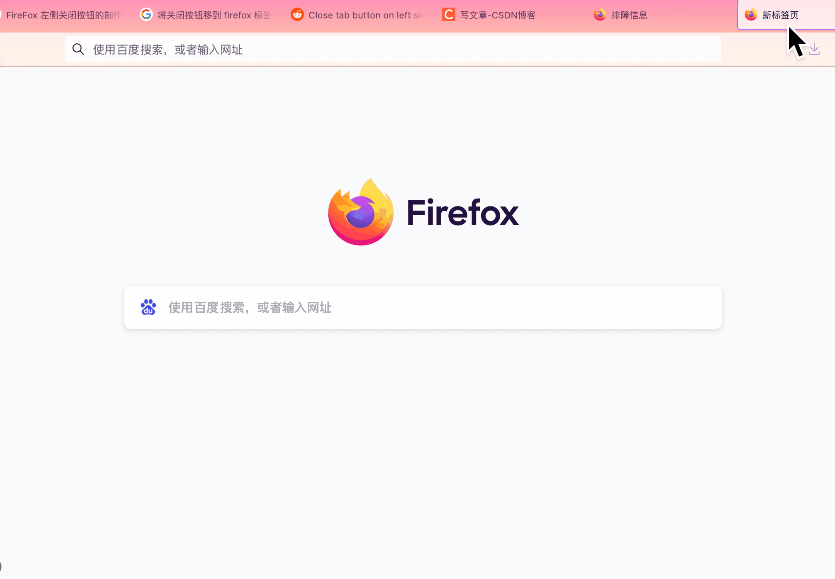
Software Features
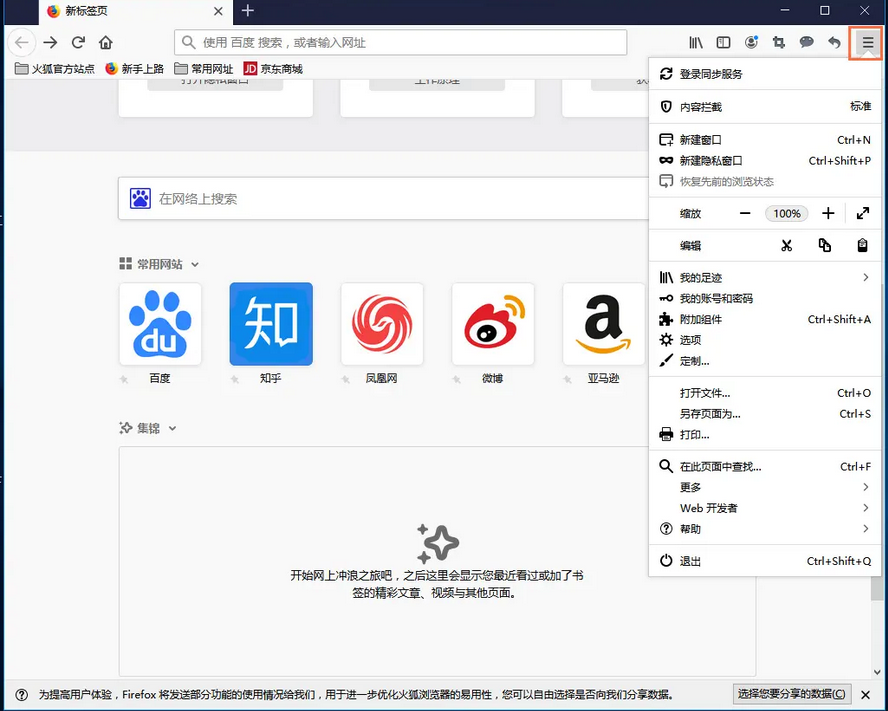
Web Push Notifications on Firefox
Web Push allows websites to send new messages or content updates to users while Firefox is running.
Extensions in Private Browsing Windows
You can customize which extensions are allowed to run in private browsing windows upon installation or use.
Download Manager
The download panel and file library store information about downloaded files. This article will guide you on how to access, manage, change settings, and locate files.
How to Set Your Homepage
Learn how to change the page you see when you first open Firefox, click the home button, or open a new window.
Auto-complete – Search from the Address Bar
As you type in the address bar, Firefox offers URL suggestions based on your history, bookmarks, tabs, and visited or open pages.
In-Page Search
When viewing websites with Firefox, you can search for words or phrases within the page. Firefox can highlight the positions of your search term on the page.
Fullscreen Firefox and Webpages
Fullscreen is a feature in Firefox that allows the current page to occupy the entire screen. This article explains how to enable and disable this feature.
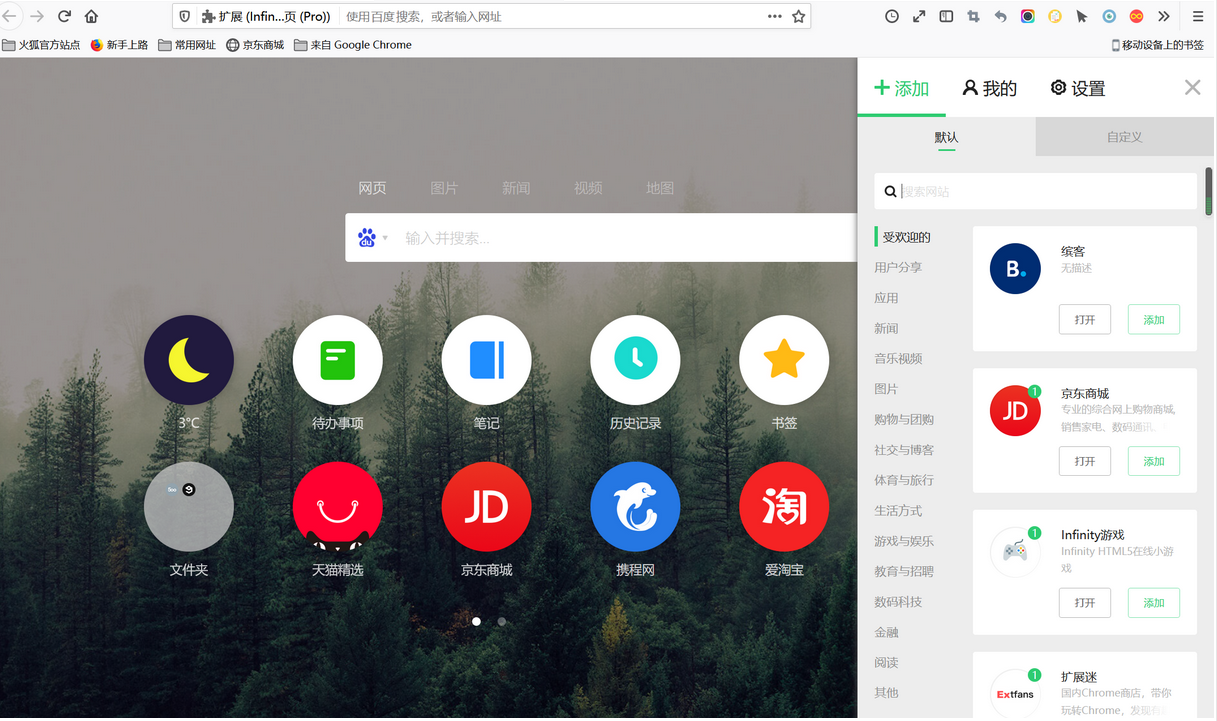
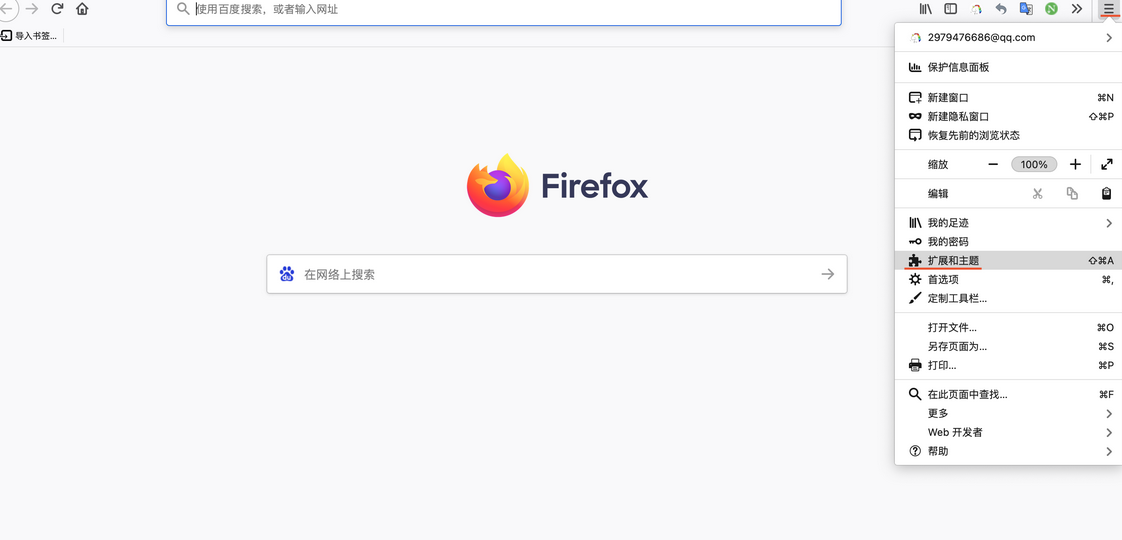
Firefox Browsing History – View Your Visited Sites
As you browse the web, Firefox keeps a record of the sites you visit. Learn how to view, search, and organize your browsing history.
Installation Steps
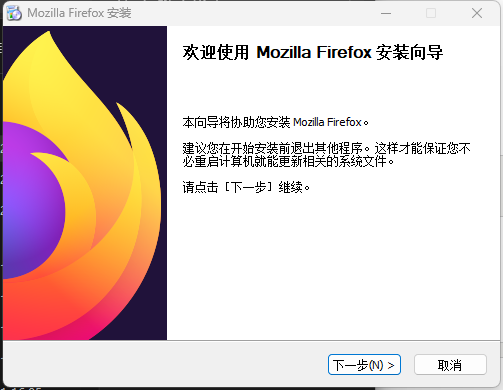
1. Download the installation package from this site and follow the prompts to install.
2. After completing the prompts, simply wait for the installation to finish.
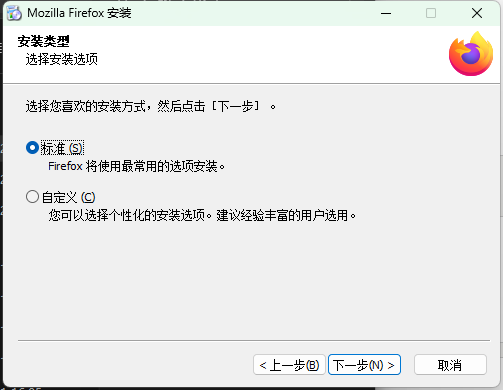
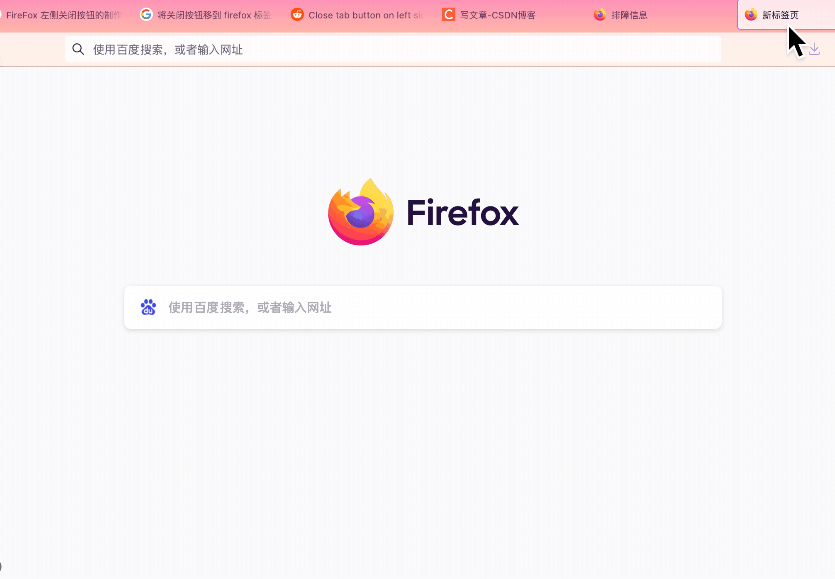
3. Once installed, you can start using Firefox.


 Imaging Edge Webcam
 展翅鸟家长控制
 蒲公英客户端
 UrlPaster Lite
 CometMarks
 Portscan
 IPMonitor
 BeipMU
 2K公布免费第三人称英雄射击游戏《Ethos计划》
 考试啦,《葫芦娃2》带来原动画细节小考卷(4)
 王国两位君主北欧之地隐士有什么用
 我的世界种子怎么种植方法
 崩坏学园2怎么注销崩坏怎么注销账号
 不止《生化危机》外媒精选30款恐怖佳作
 王国两位君主北欧之地雷神之锤解锁顺序
 梦幻西游梦玲珑穿什么
 功夫熊猫阿宝邀你切磋,《蛋仔派对》联动KouKouLove第二弹开启
 终结之王SF《街头篮球》提升胜率之失误控制