
VSCode is a powerful, cross-platform text editor that caters to a variety of programming languages and development environments.
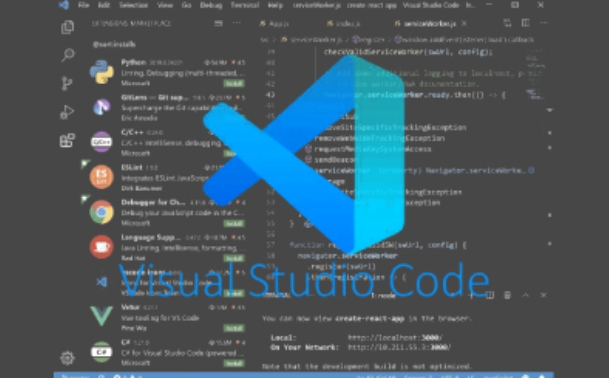
Compatible with multiple operating systems including Windows, macOS, and Linux, VSCode offers a consistent user experience and feature set across all platforms.
Compared to heavier Integrated Development Environments (IDEs) like GoLand, PhpStorm, and PyCharm, VSCode is more lightweight, boots up quickly, and consumes fewer system resources.
With an extensive marketplace, VSCode provides thousands of plugins covering a wide array of needs from code formatting and snippets to project management.
Supporting numerous programming languages such as JavaScript, TypeScript, Python, and C++, VSCode offers advanced features including intelligent code completion, real-time error detection, and code navigation and refactoring to enhance coding efficiency.
Utilizing IntelliSense technology, VSCode suggests variables, methods, and code snippets based on the context of the codebase and language specifics.
With the ability to split windows, VSCode allows for simultaneous viewing and editing of multiple files within a single editor.
Software Features
One, Basic Editing Features
Cross-platform compatibility: VSCode runs smoothly on Windows, macOS, and Linux, offering developers a broad range of platform options.
Syntax highlighting: VSCode automatically detects code syntax and highlights different elements with distinct colors for enhanced readability.
Intelligent code completion: Provides context-aware suggestions to speed up coding.
Code snippets: Supports the creation and reuse of code snippets, enabling quick insertion of frequently used code blocks via shortcuts.
Two, Navigation and Search
Quick navigation: Allows for swift jumping to the definitions of functions, classes, and variables, aiding in code navigation.
Find and replace: Equipped with robust find and replace capabilities, VSCode enables searching and replacing text across an entire project.
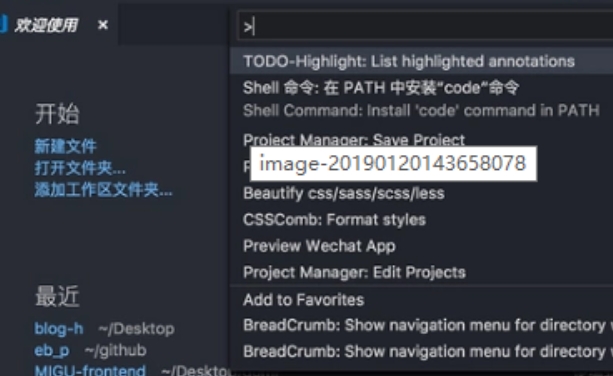
Column selection and multi-cursor editing: With Shift + mouse drag for column selection and Alt + mouse drag for multi-cursor editing, VSCode offers versatile editing options.
Three, Debugging Features
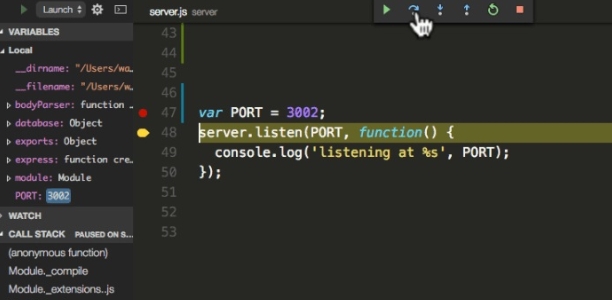
Built-in debugger: Integrated with strong debugging capabilities, VSCode supports debugging for multiple languages like JavaScript, Python, and C++. Developers can set breakpoints, inspect variable values, and step through code directly within the editor.
Debugging console: Displays output during debugging sessions to help developers monitor program execution.
Four, Version Control
Git integration: VSCode comes with built-in Git version control support, allowing for direct management of version control operations such as committing, pushing, and pulling from within the editor.
Difference comparison: Facilitates a clear visual comparison of code changes between different versions.

Five, Plugins and Extensions
Extension marketplace: The VSCode marketplace boasts a vast collection of extensions, enabling users to tailor their editor to specific needs.
Extension development: Developers can create custom extensions using TypeScript or other supported languages to extend functionality as required.
Six, Additional Features
Task runner: VSCode allows for the configuration and execution of tasks such as building, running scripts, and deploying applications through the task panel.
Multi-window support: Users can open multiple windows and views to handle several projects or tasks concurrently.
Integrated terminal: A command-line interface is built into VSCode, eliminating the need to switch to an external terminal.
Multi-language support: Offers syntax highlighting and code completion for a variety of programming languages.
Customizable settings: Users can personalize the editor's appearance, behavior, and keyboard shortcuts to suit their preferences.
Installation Steps
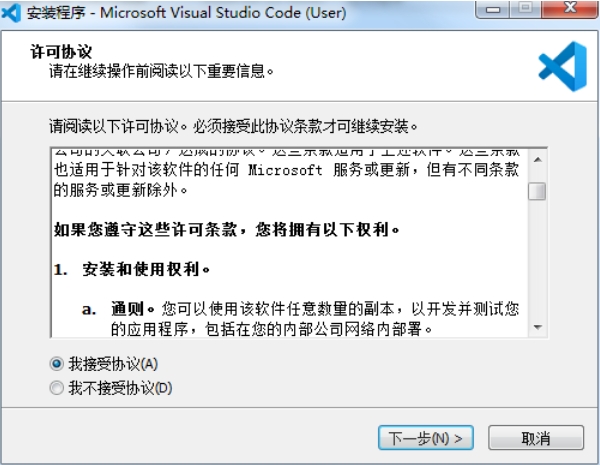
Download the latest installation package from our site.
Follow the on-screen instructions to install.
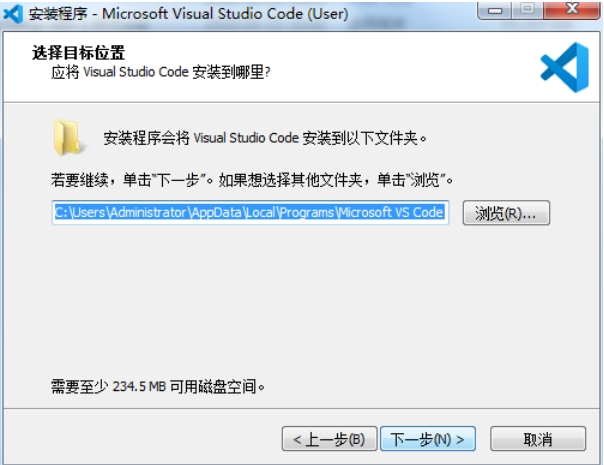
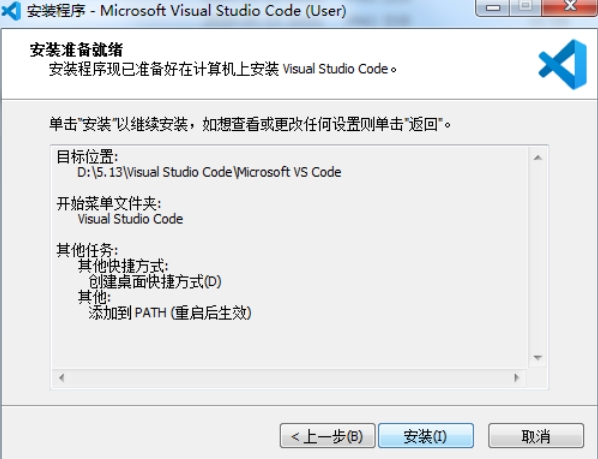
Once installed, you are ready to start using VSCode.


 金字塔决策交易系统64位
 浩辰CAD机械标准版
 帮大家PDF超能助手
 E8财务管理软件增强版
 E8财务管理软件专业版
 证书助手-统计局专版
 冬瓜配音
冬瓜配音
 浩辰CAD建筑
 2K公布免费第三人称英雄射击游戏《Ethos计划》
 考试啦,《葫芦娃2》带来原动画细节小考卷(4)
 王国两位君主北欧之地隐士有什么用
 我的世界种子怎么种植方法
 崩坏学园2怎么注销崩坏怎么注销账号
 不止《生化危机》外媒精选30款恐怖佳作
 王国两位君主北欧之地雷神之锤解锁顺序
 梦幻西游梦玲珑穿什么
 功夫熊猫阿宝邀你切磋,《蛋仔派对》联动KouKouLove第二弹开启
 终结之王SF《街头篮球》提升胜率之失误控制