
Postman is a widely acclaimed API development tool favored by developers and testers alike. Renowned for its robust features and user-friendly interface, Postman enjoys broad industry recognition. It supports Windows, Mac, and Linux operating systems, ensuring smooth operation on both 32-bit and 64-bit systems, thereby delivering cross-platform compatibility.
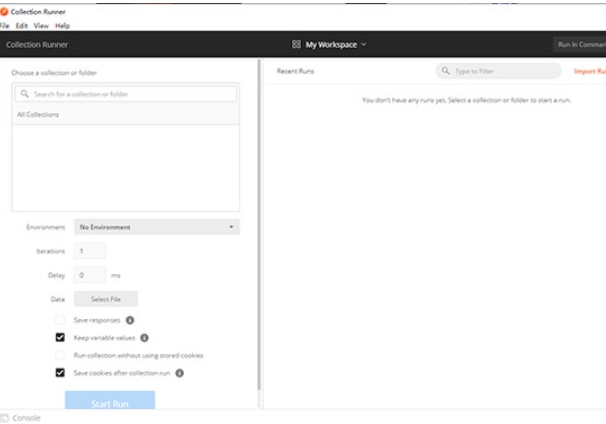
HTTP Request Debugging: Postman is capable of sending virtually all types of HTTP requests, including GET, POST, PUT, DELETE, and more. It allows users to customize request headers and bodies, making it an excellent choice for debugging and testing Web APIs.
Environment Variables and Collections: With environment variables, users can manage API request configurations across different environments such as development, testing, and production. The Collections feature enables users to organize related requests together, streamlining management and sharing.
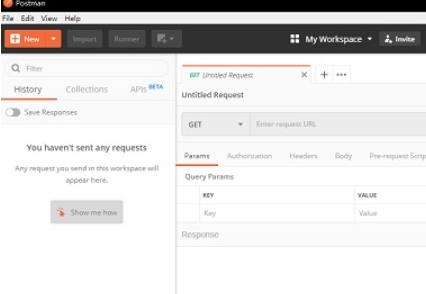
Software Features
Built-in Test Scripts: Postman supports the use of JavaScript to write test scripts, which can be automatically executed after sending requests to verify that responses meet expected criteria.
Documentation Generation: Postman can automatically generate API documentation, including request and response examples, request parameters, and more, significantly simplifying the process of writing and maintaining API documentation.
Mock Server: Postman's Mock Server feature allows users to simulate backend API responses, which is particularly useful for frontend developers working without backend support.
Team Collaboration: Postman supports team collaboration, enabling team members to share collections, environment variables, and test results, thereby enhancing team productivity.
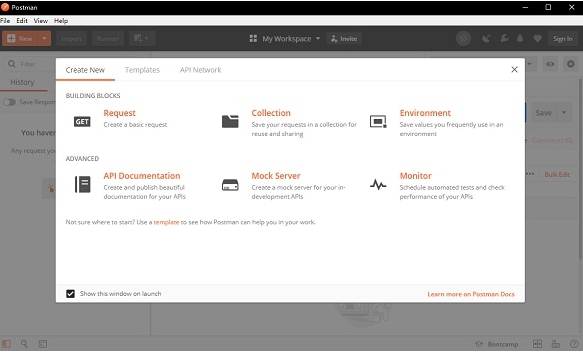
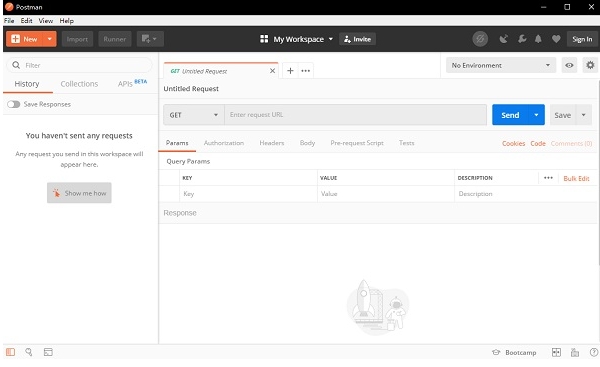
API Development and Debugging: Developers can use Postman to rapidly develop and debug Web APIs.
API Testing: Testers can leverage Postman for automated API testing to validate the functionality and performance of APIs.
API Documentation Writing: Developers and documentation writers can use Postman to automatically generate API documentation, reducing the workload associated with documentation.
Team Collaboration: Team members can use Postman to share and collaborate on APIs, thereby improving team efficiency.
Installation Steps
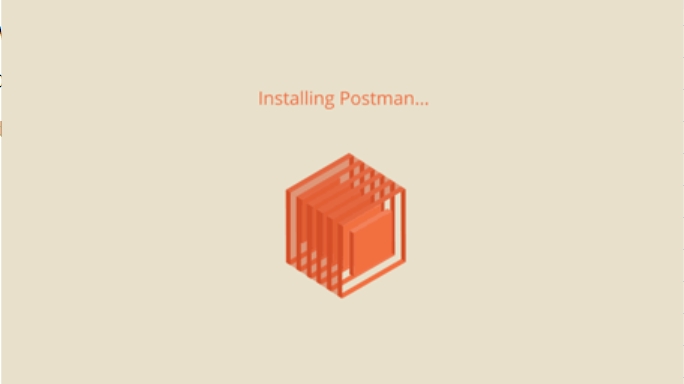
Download the file, double-click to extract, and open the installation page.
Double-click the extracted file to open the installation page.
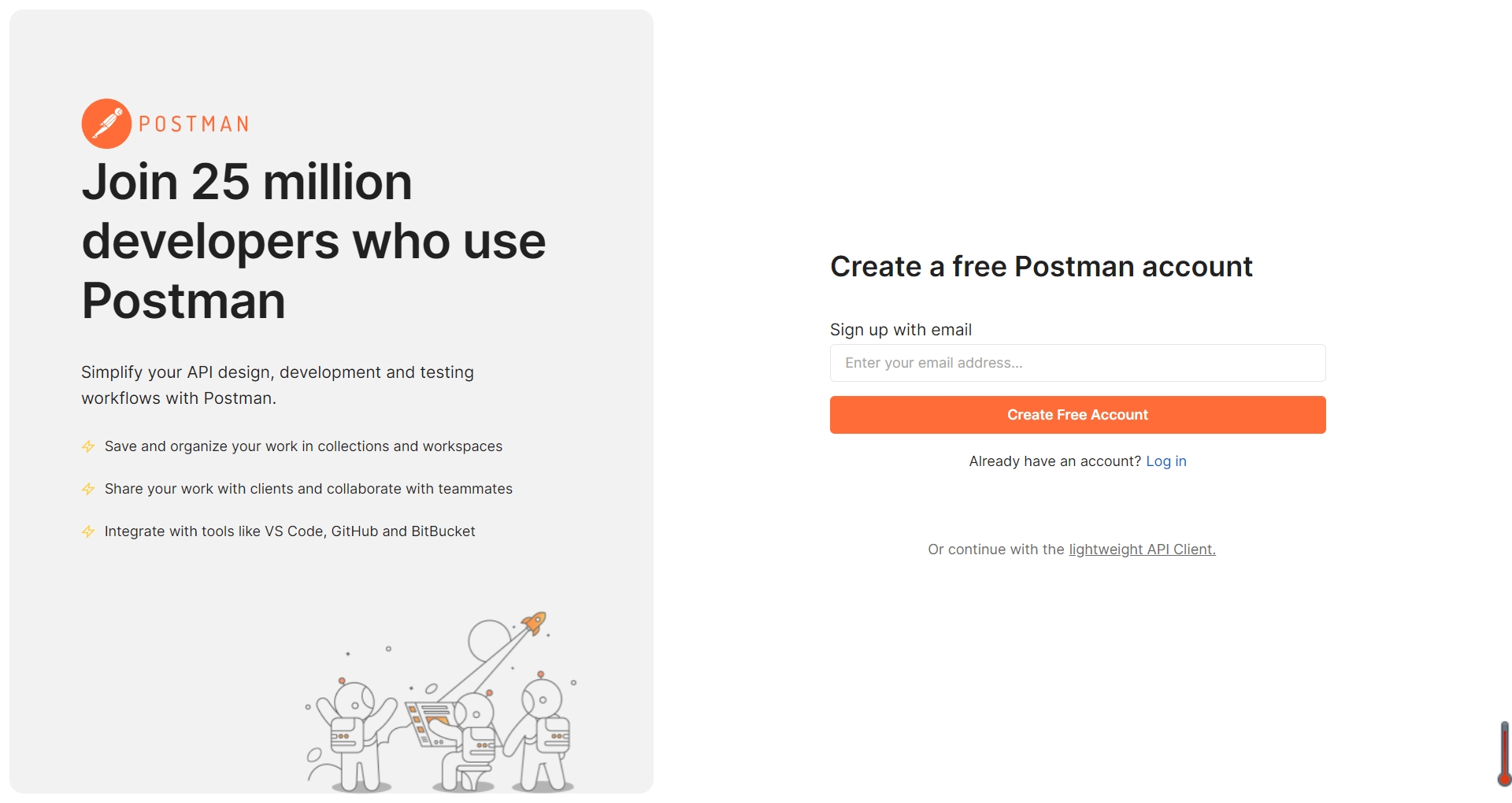
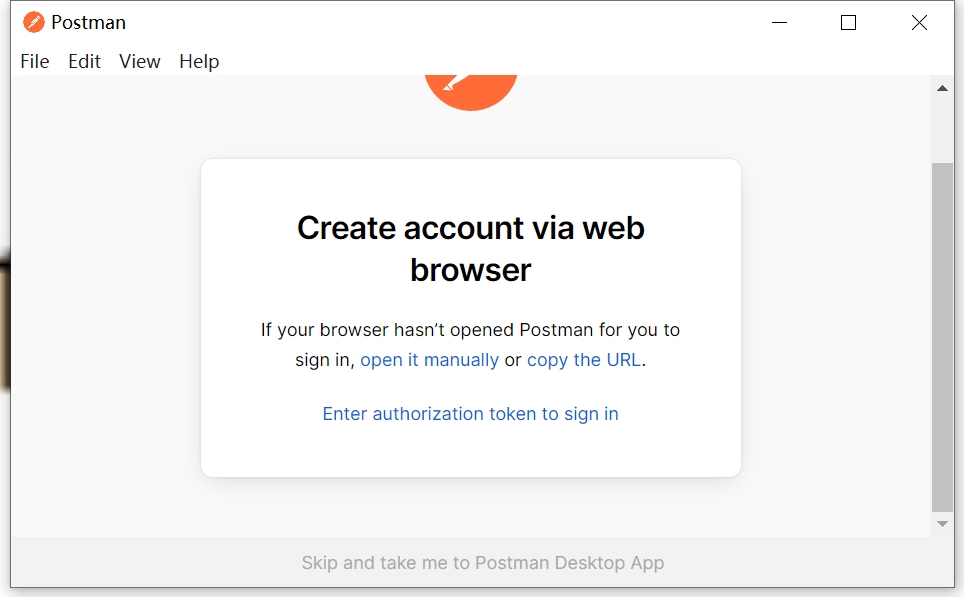
Wait patiently for the installation to complete, and then begin using Postman.


 Imaging Edge Webcam
 展翅鸟家长控制
 蒲公英客户端
 UrlPaster Lite
 CometMarks
 Portscan
 IPMonitor
 BeipMU
 2K公布免费第三人称英雄射击游戏《Ethos计划》
 考试啦,《葫芦娃2》带来原动画细节小考卷(4)
 王国两位君主北欧之地隐士有什么用
 我的世界种子怎么种植方法
 崩坏学园2怎么注销崩坏怎么注销账号
 不止《生化危机》外媒精选30款恐怖佳作
 王国两位君主北欧之地雷神之锤解锁顺序
 梦幻西游梦玲珑穿什么
 功夫熊猫阿宝邀你切磋,《蛋仔派对》联动KouKouLove第二弹开启
 终结之王SF《街头篮球》提升胜率之失误控制